Fair splits. Clear repayments.
Split it
your way.
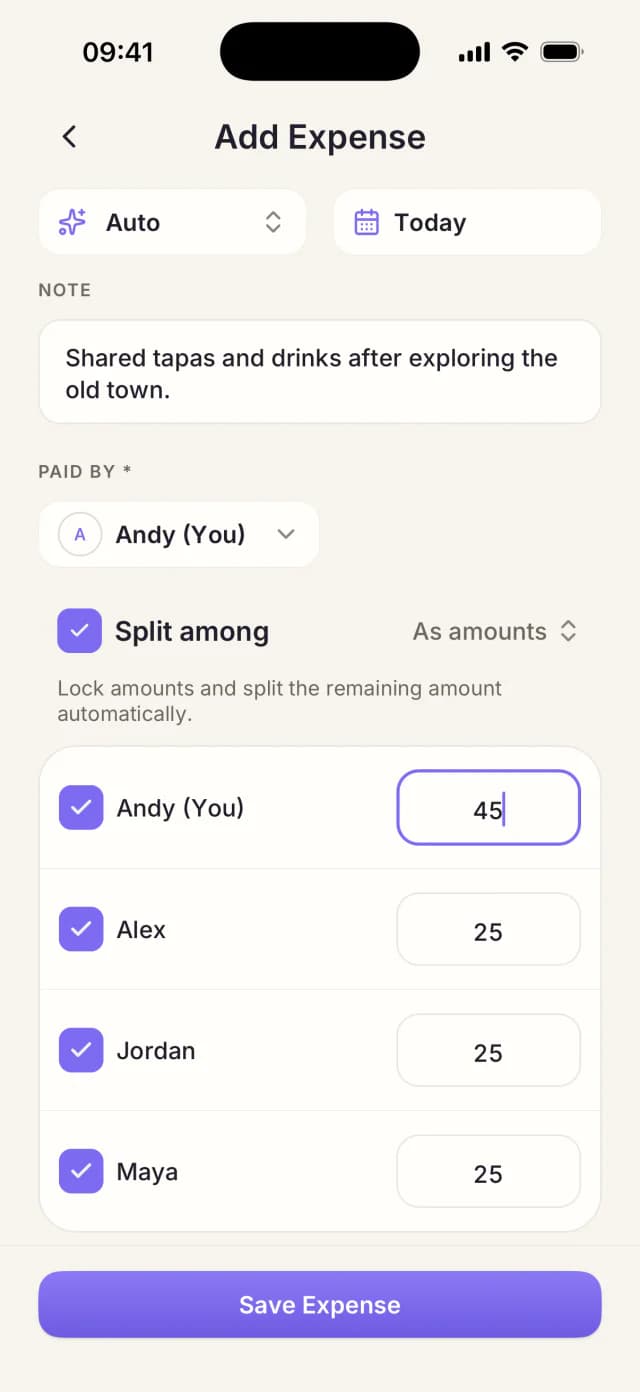
Keep everyone’s share clear and see who owes whom.
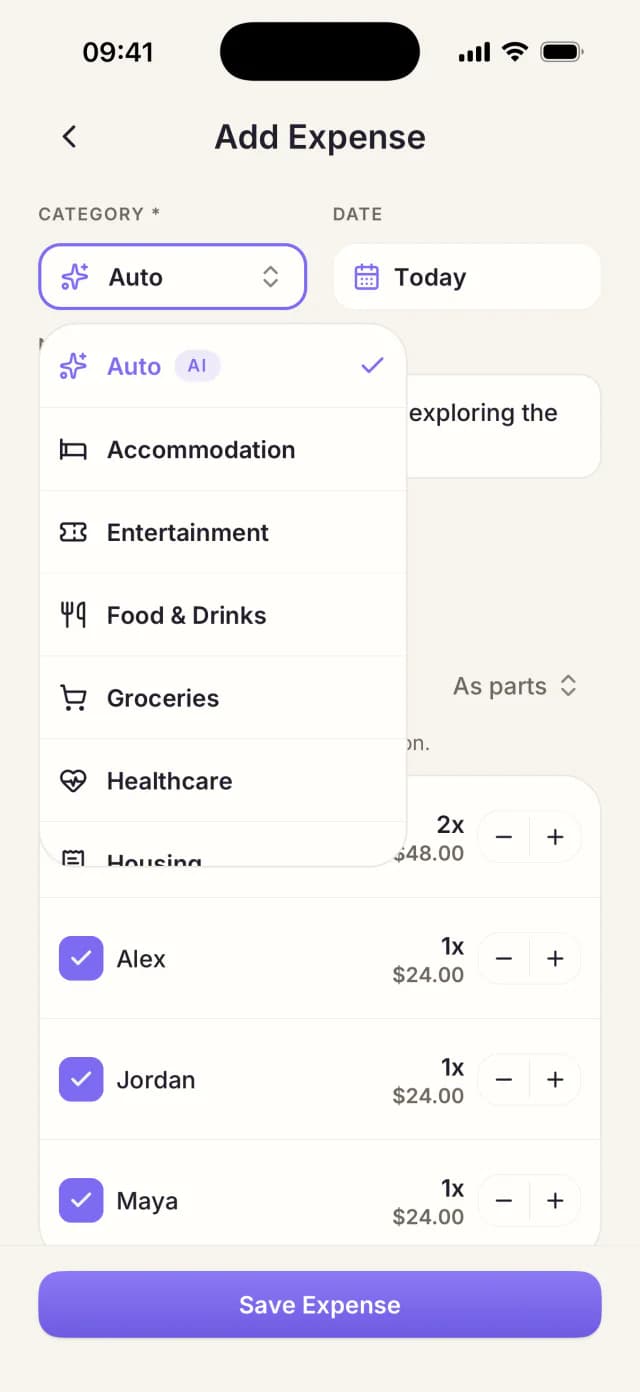
Sharing a taxi? Divide the total evenly among everyone riding.
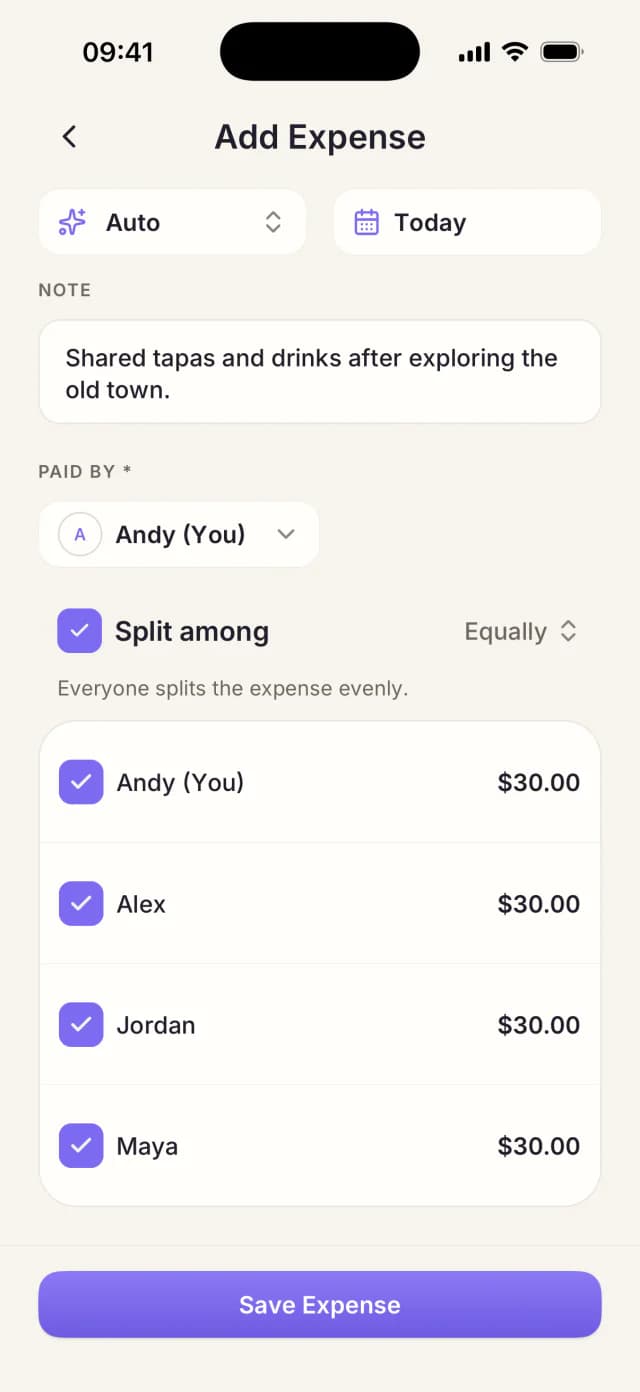
Track shared expenses for trips, housemates, groups, and everything in between. Let AI turn receipts and quick notes into expenses in seconds.
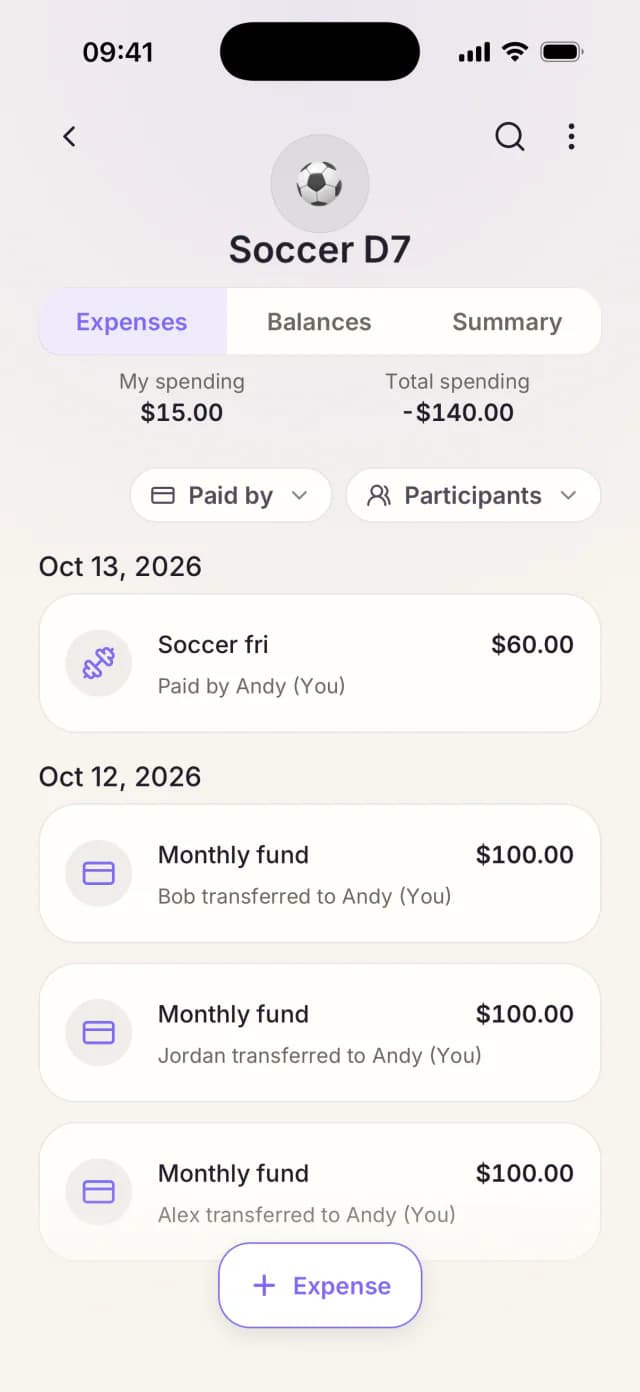
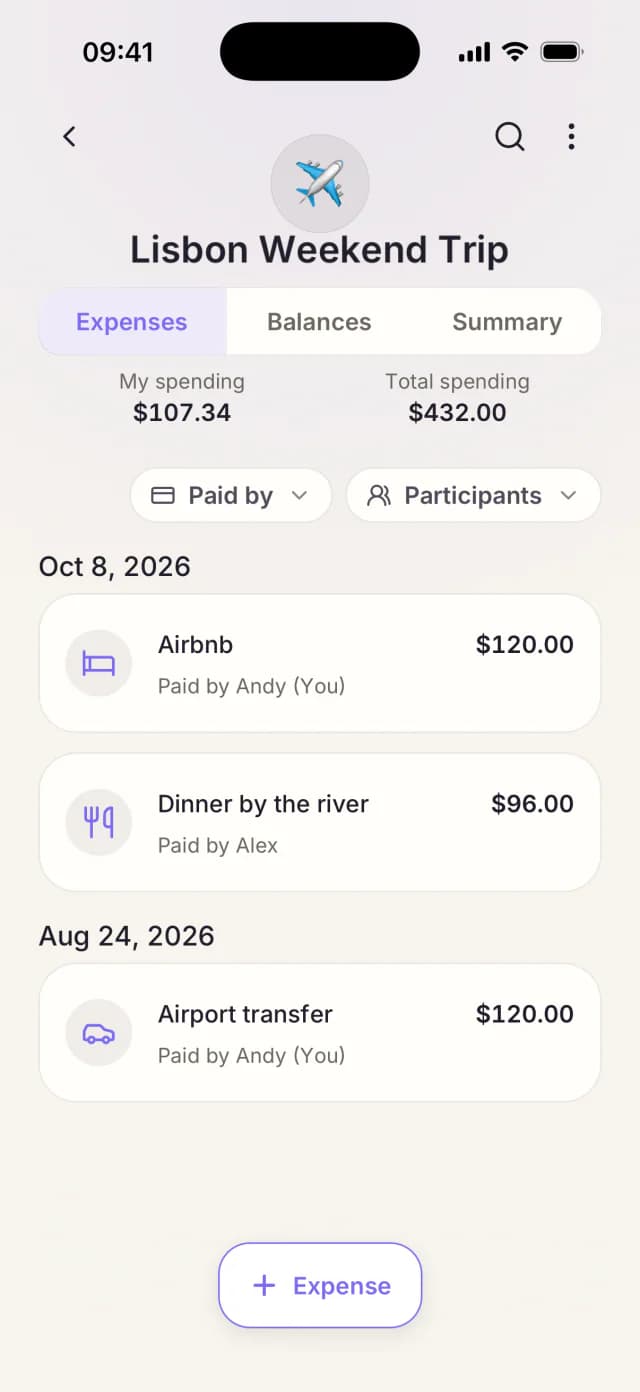
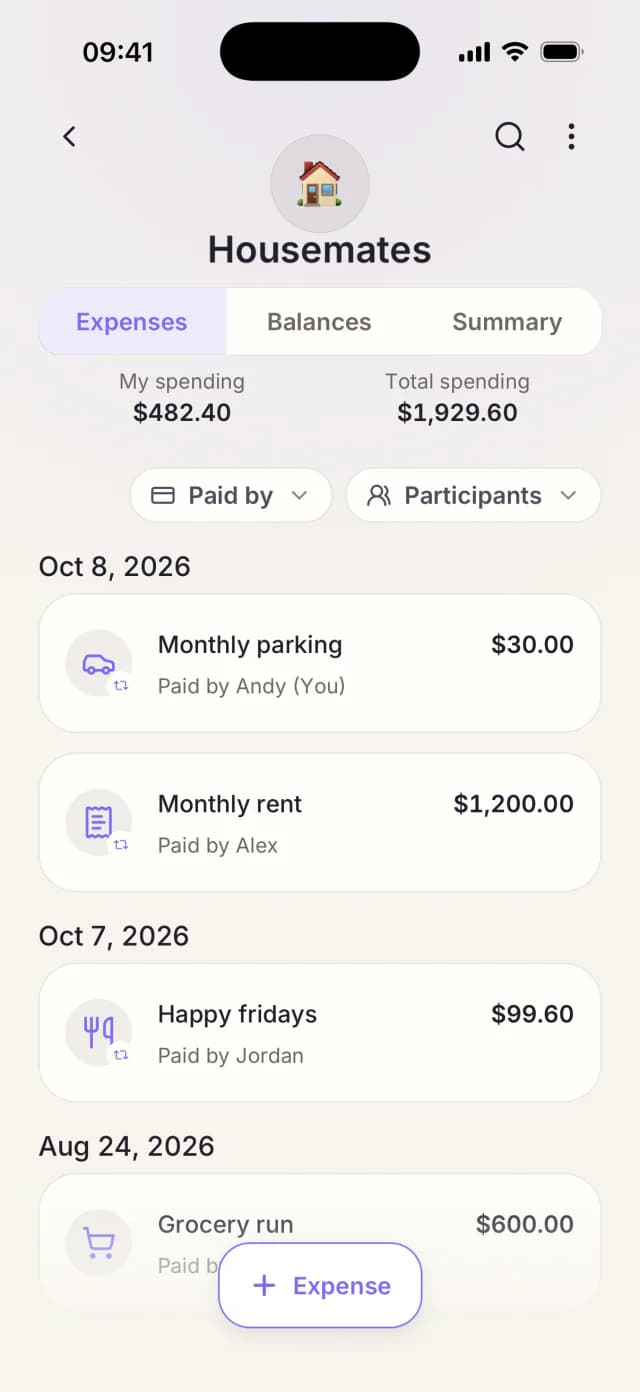
Fair splits. Clear repayments.
Keep everyone’s share clear and see who owes whom.
Sharing a taxi? Divide the total evenly among everyone riding.
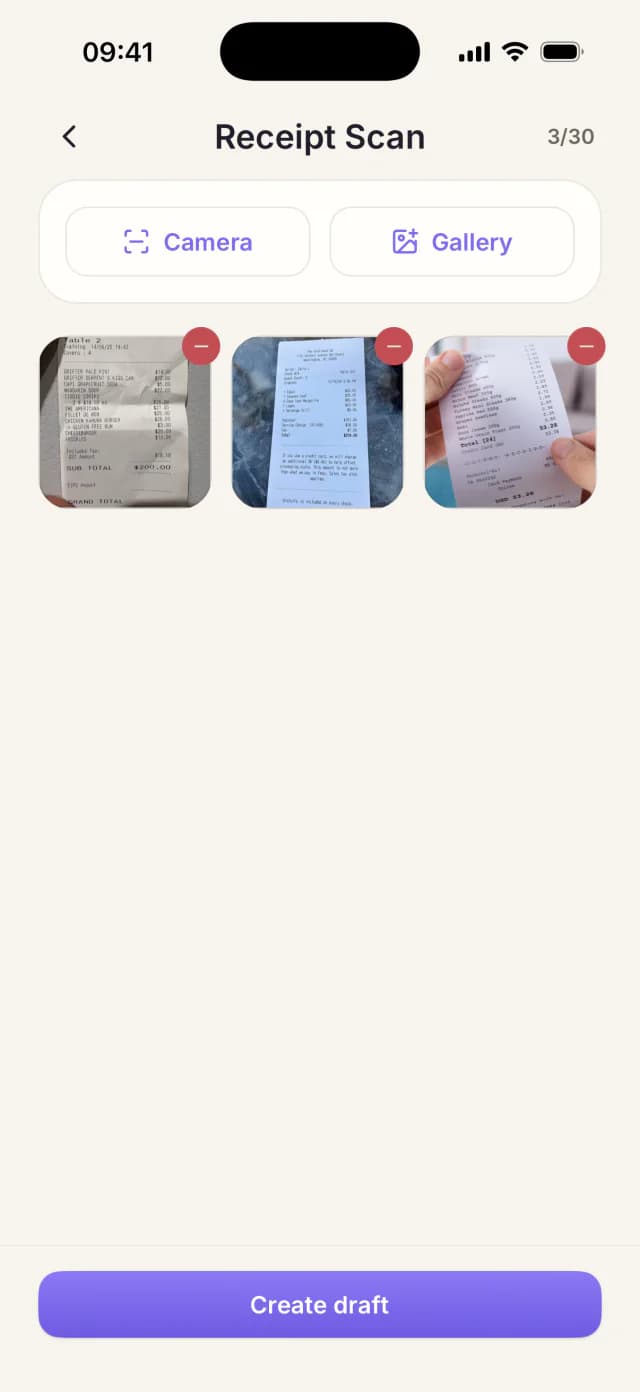
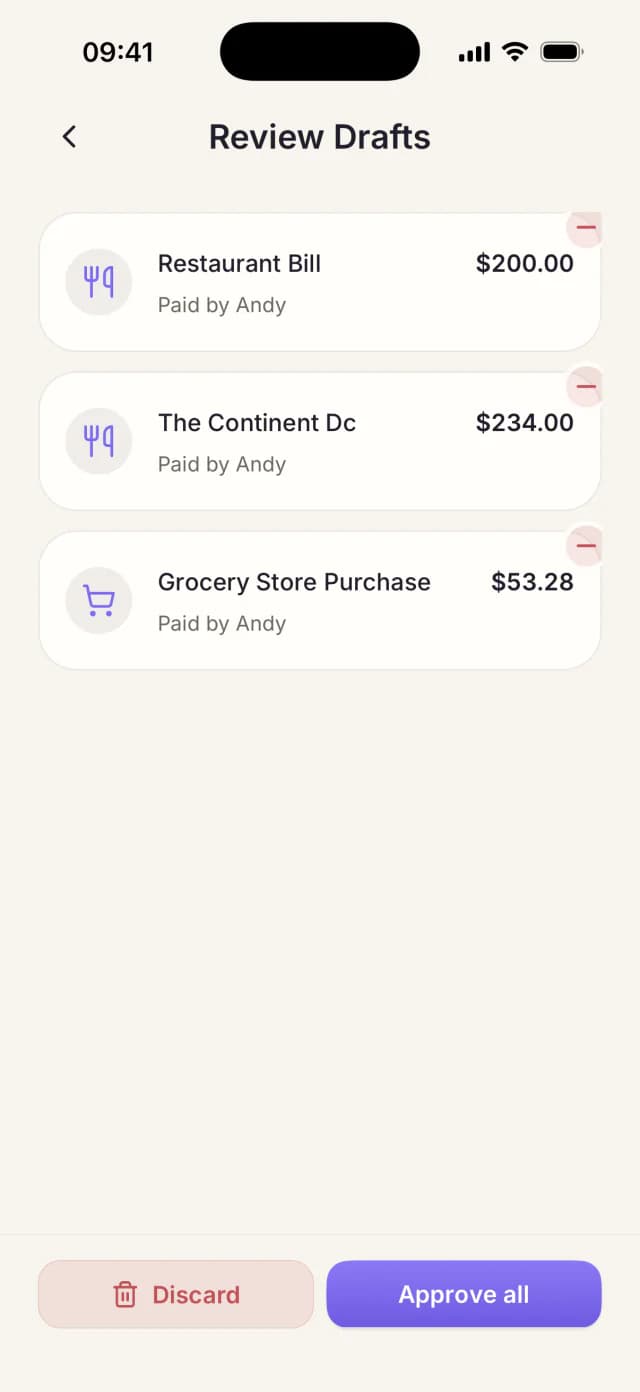
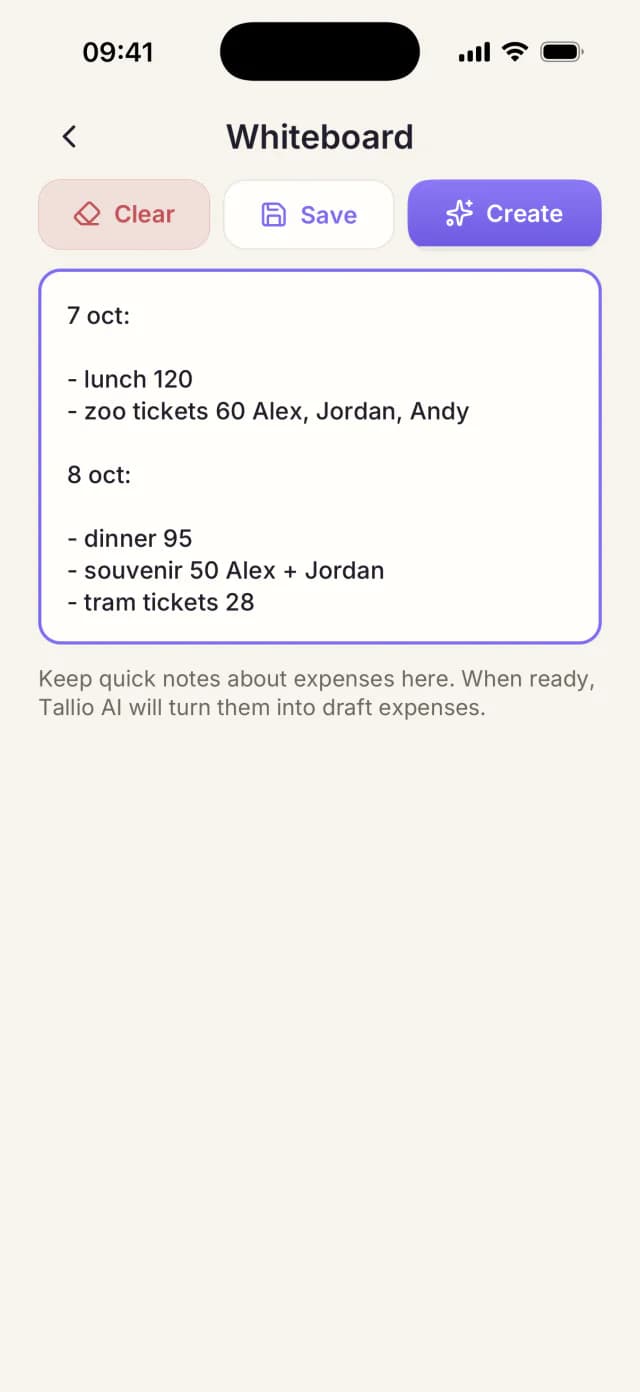
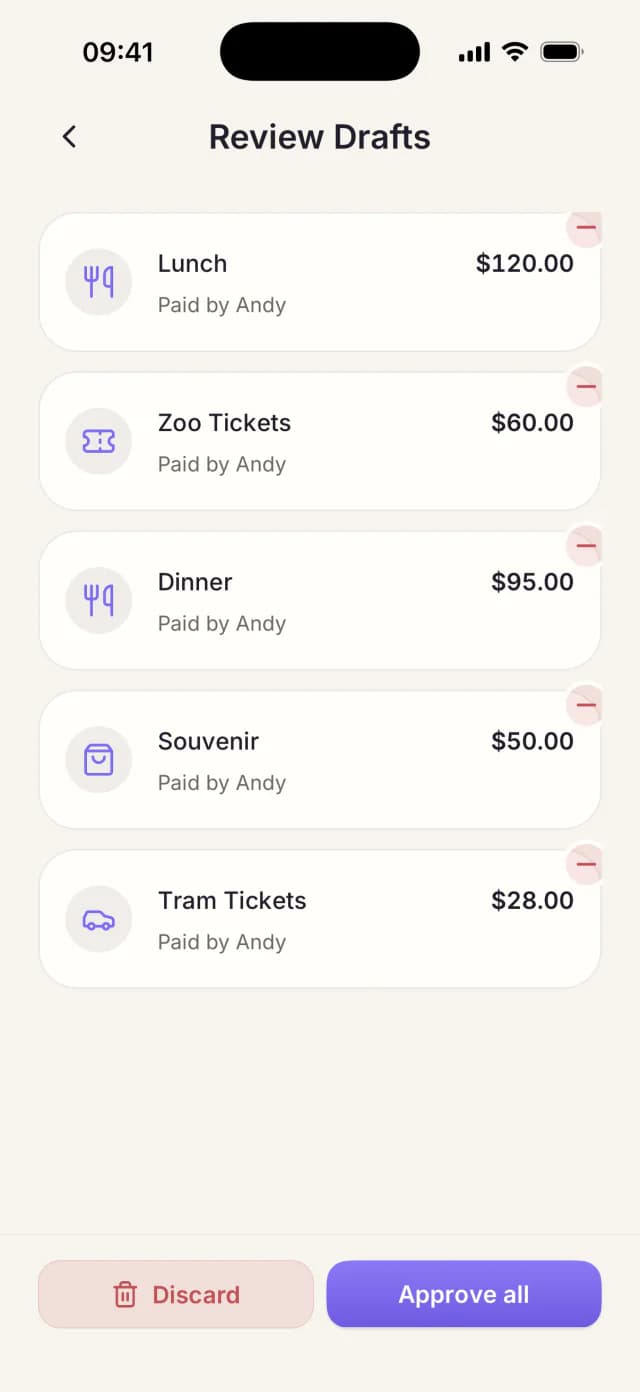
AI does the first draft.
Snap receipts or write quick notes. Review and confirm AI drafts before they change balances.
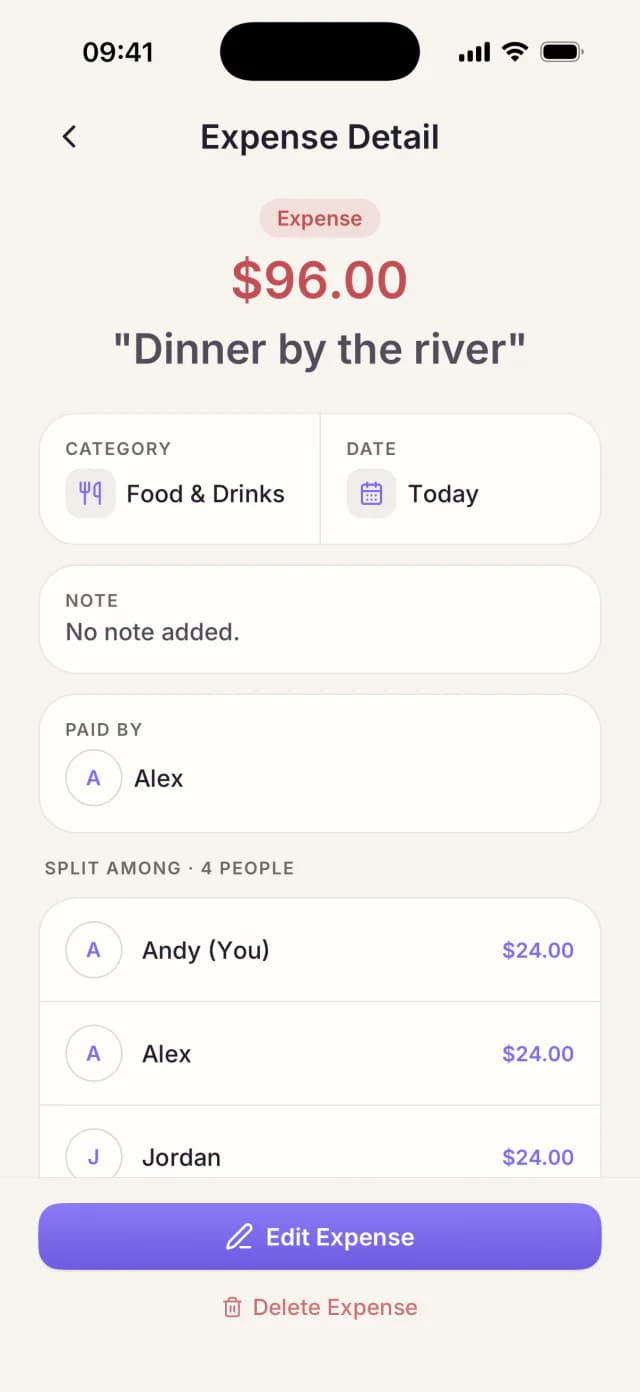
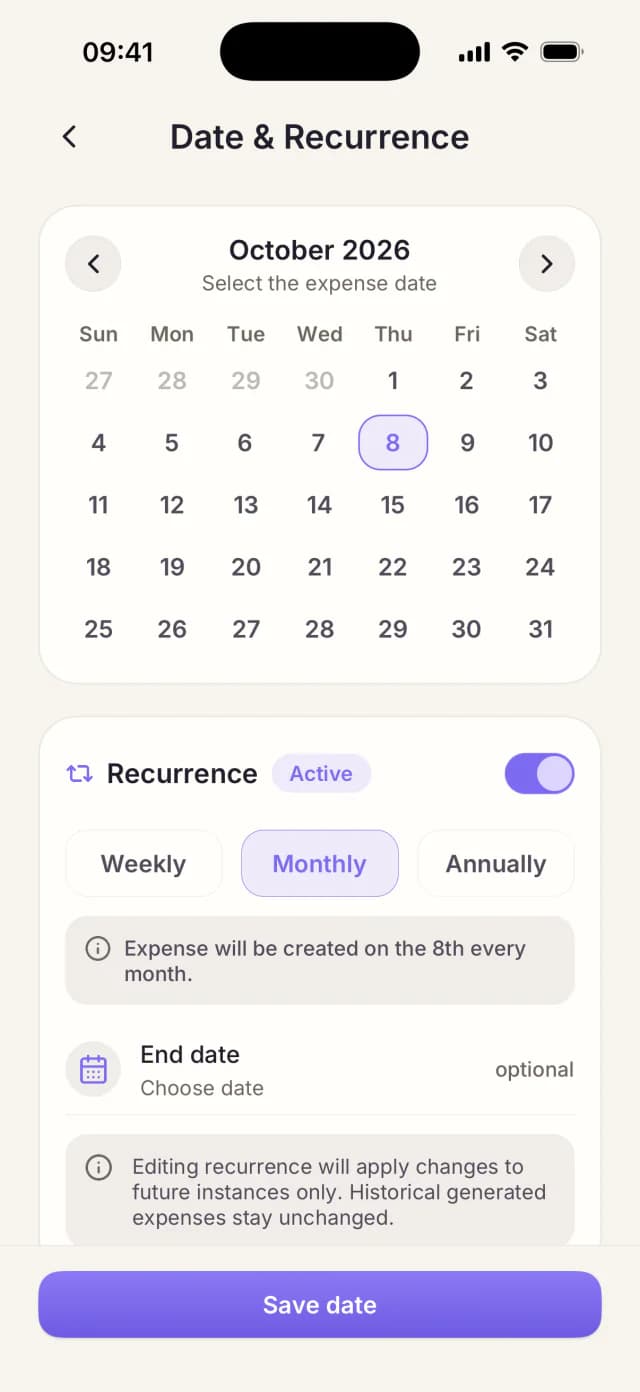
For rent, utilities, and regular bills.
Schedule recurring shared bills. Skip entering the same expenses each month.
No signup required.
Friends view expenses, balances, and reports in their browser.
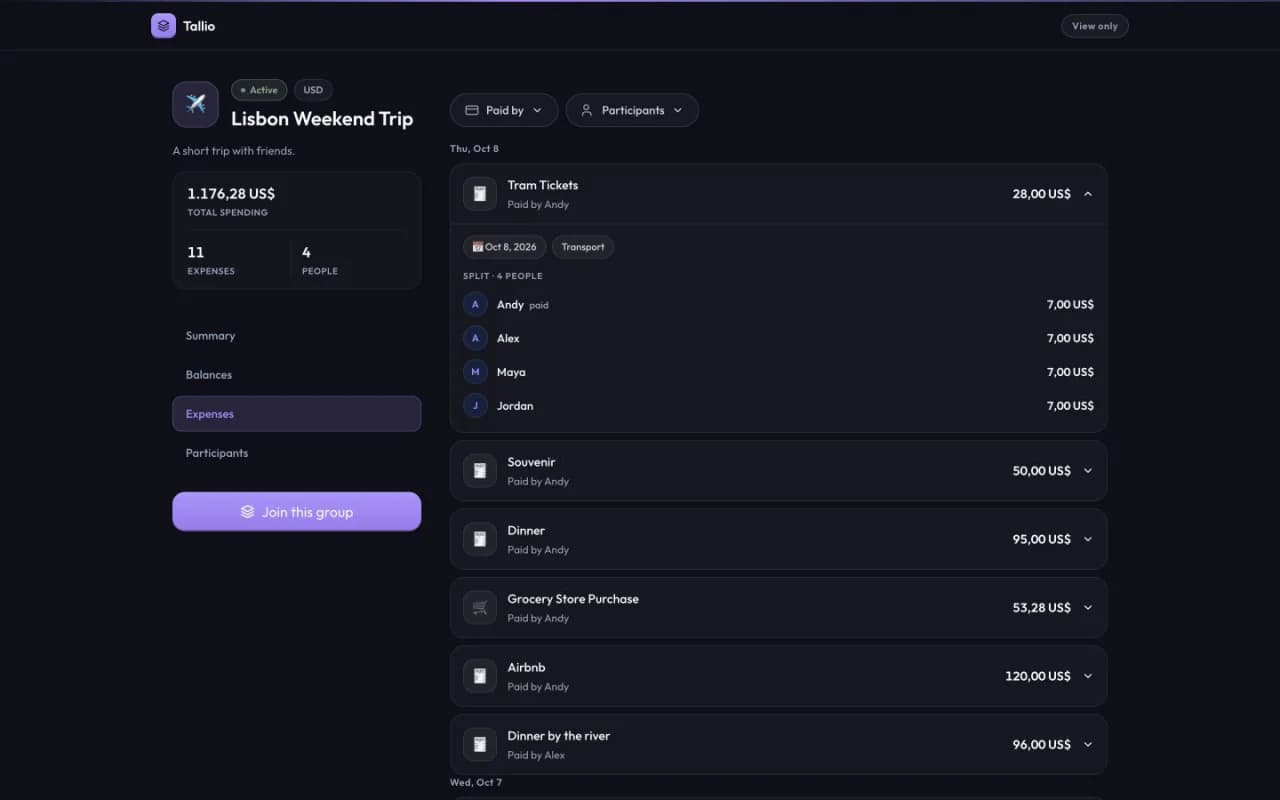
Swipe the preview to explore expenses.
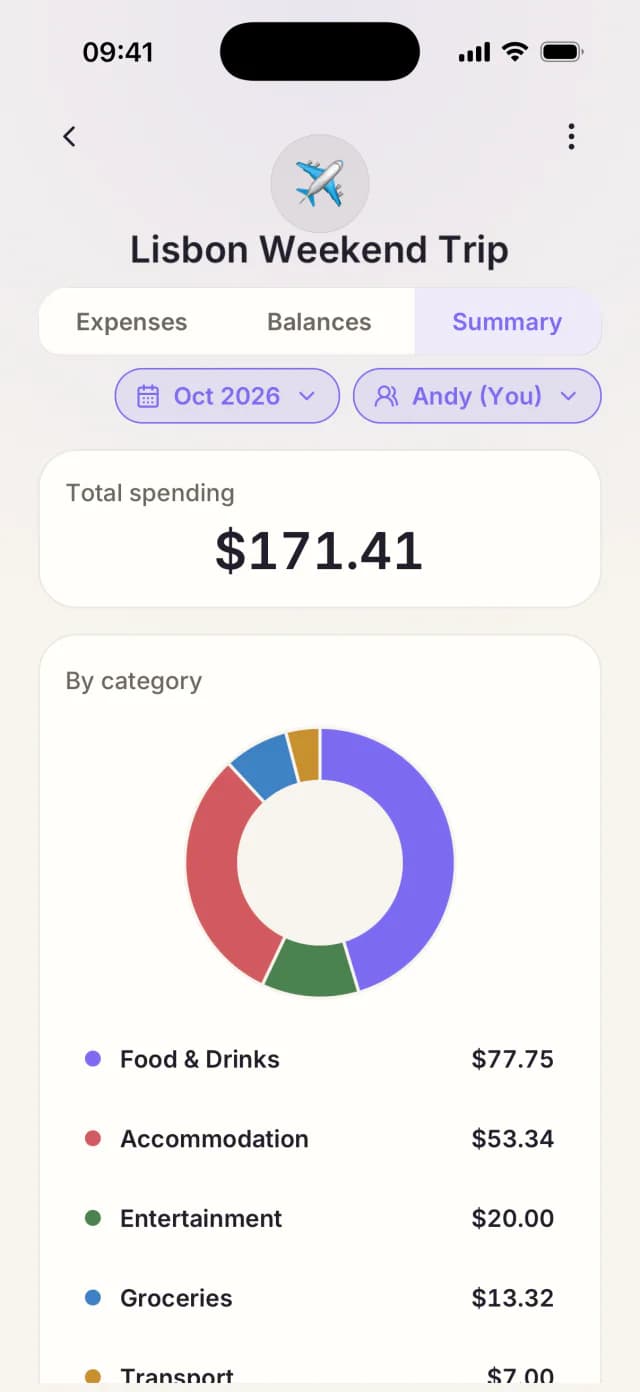
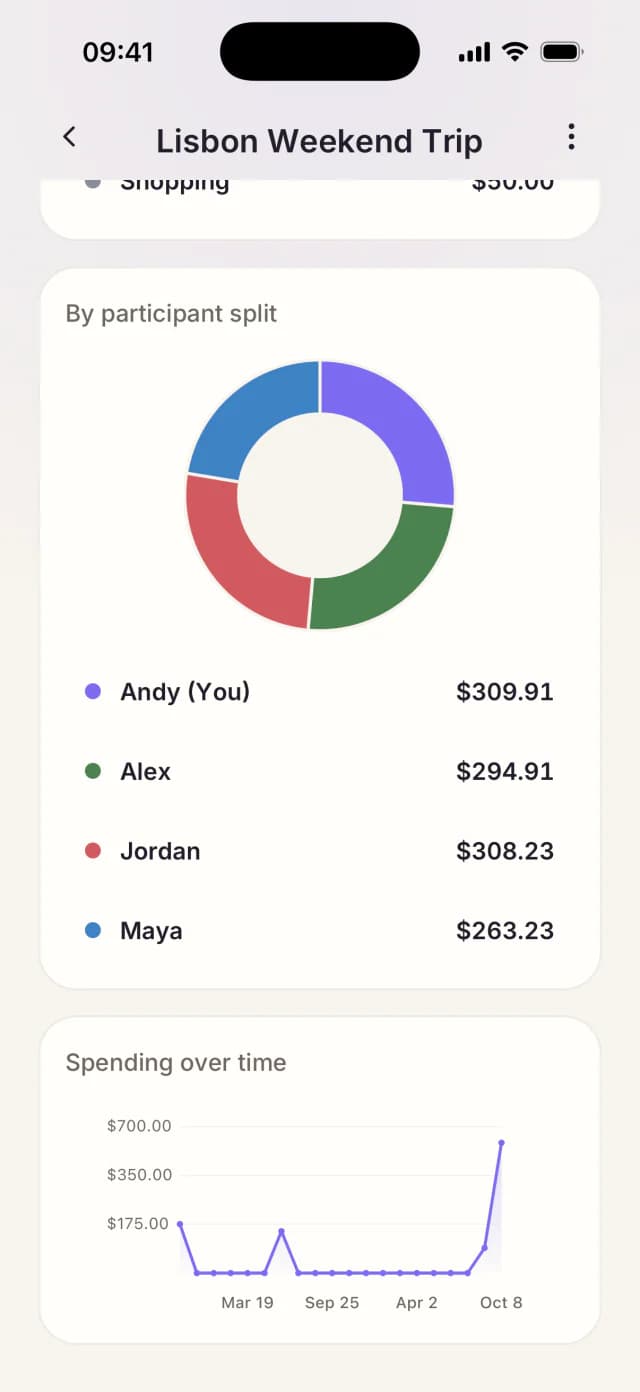
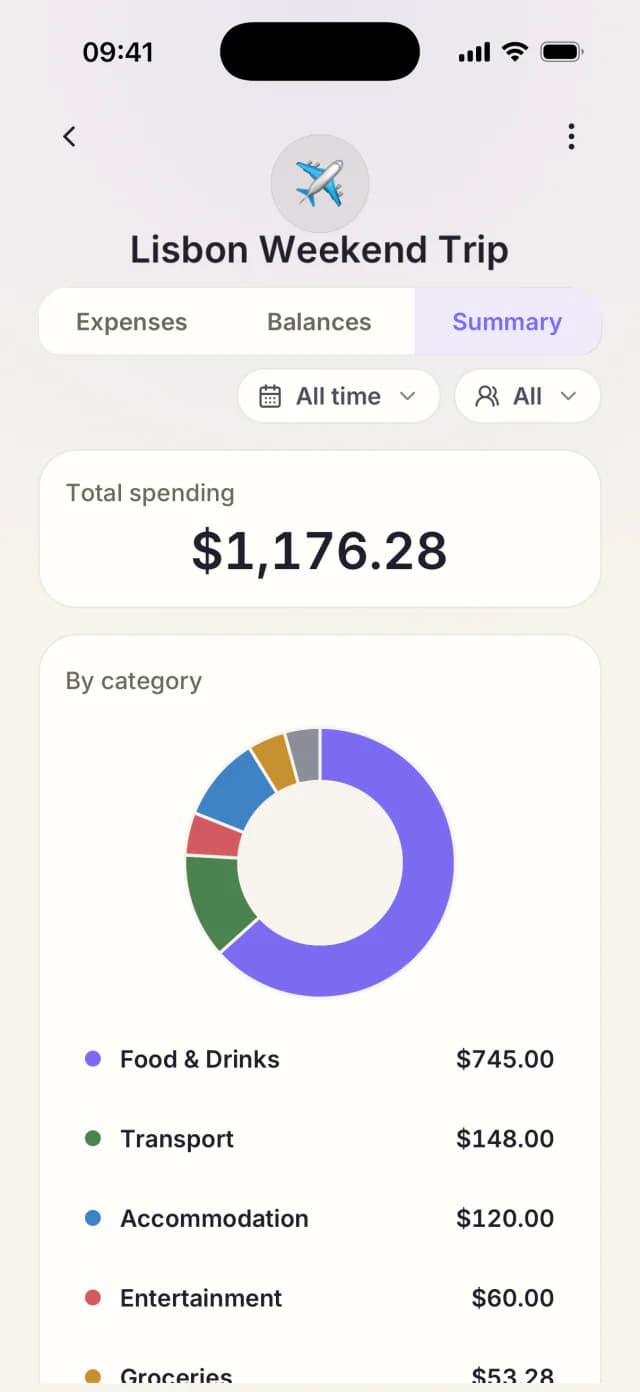
Understand what the trip cost.
See spending by category and person. Filter to your own share.
Yes. Basic expense splitting stays free, including groups, balances, recurring bills, reports, and recording repayments. AI features have usage allowances, with higher allowances available through Plus and Pro.
No. Create a group and add people by name before they sign up. Friends can open your shared link to view expenses, balances, and reports without an account or app download. People who want to join and manage expenses use the mobile app.
AI creates a draft for you to review. Check and correct the amount, payer, people included, and split before confirming. Drafts never affect balances or reports until you confirm them.
The browser view is read-only. Friends can check expenses, balances, repayments, and reports there. To join the group and add or edit expenses, open Tallio in the mobile app.
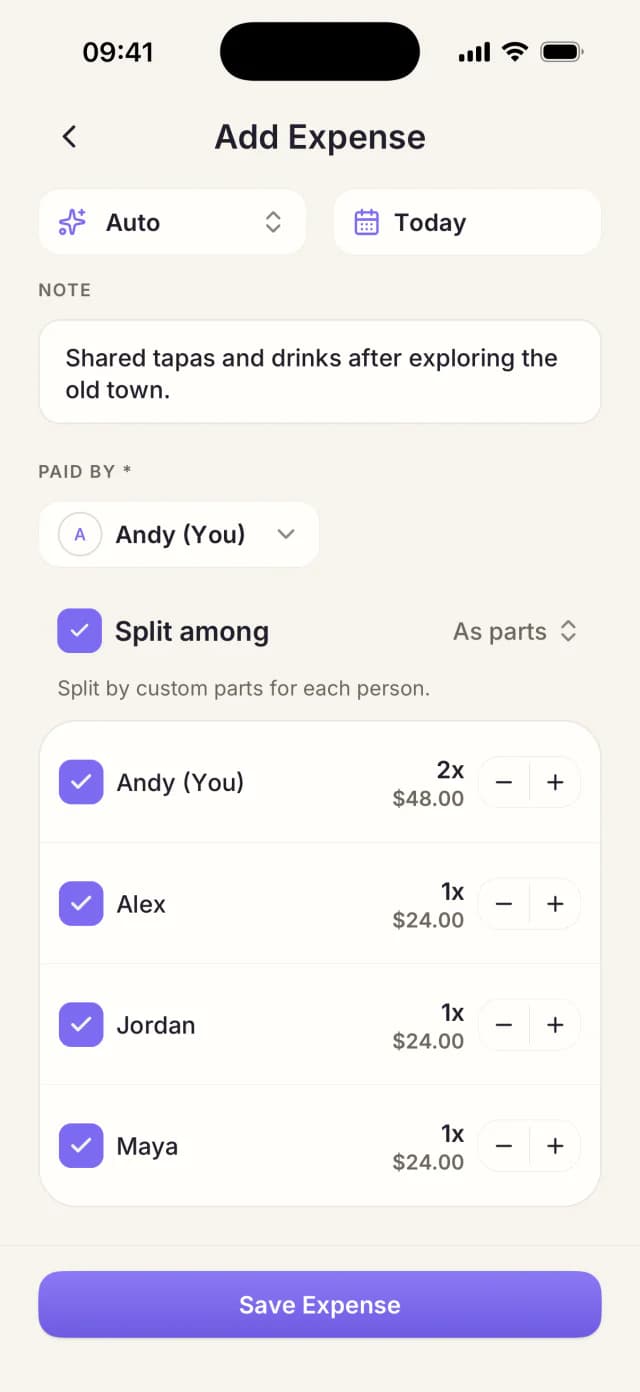
Yes. Split equally, enter exact amounts for each person, or divide by shares—for example, two shares for one person and one for another. Include only the people involved in each expense.
Tallio shows who owes whom and helps you record repayments. Pay each other using your usual payment method, then record the repayment in Tallio to update balances. Tallio does not transfer money.
Anyone with the link can view the shared group, including participant names, expense titles, balances, and reports. Share it only with people you want to give access to. The group owner can revoke the link.
Tallio supports 30 currencies, including USD, EUR, GBP, and VND. Choose one currency when creating your group; all expenses and repayments use that currency. Mixed-currency expenses and automatic conversion are not currently supported.
 Tallio
Create a group. Add your friends. Basic splitting stays free.